



Create beginner-friendly stamp brushes you make once, then use forever


It shouldn’t take this long
but somehow it does.
😔 You start with a simple idea, but it ends up as a long, drawn-out process
😐 You redo the same shapes, graphics and details again and again
😰 Maintaining momentum gets harder
😩 What should feel creative begins feeling tedious


And it’s not for lack of skills
building everything from scratch every.single.time will wear anyone out.


Stamp brushes change that
You create once, then reuse those elements any time you want. So your workflow becomes faster, easier and much more enjoyable 👏

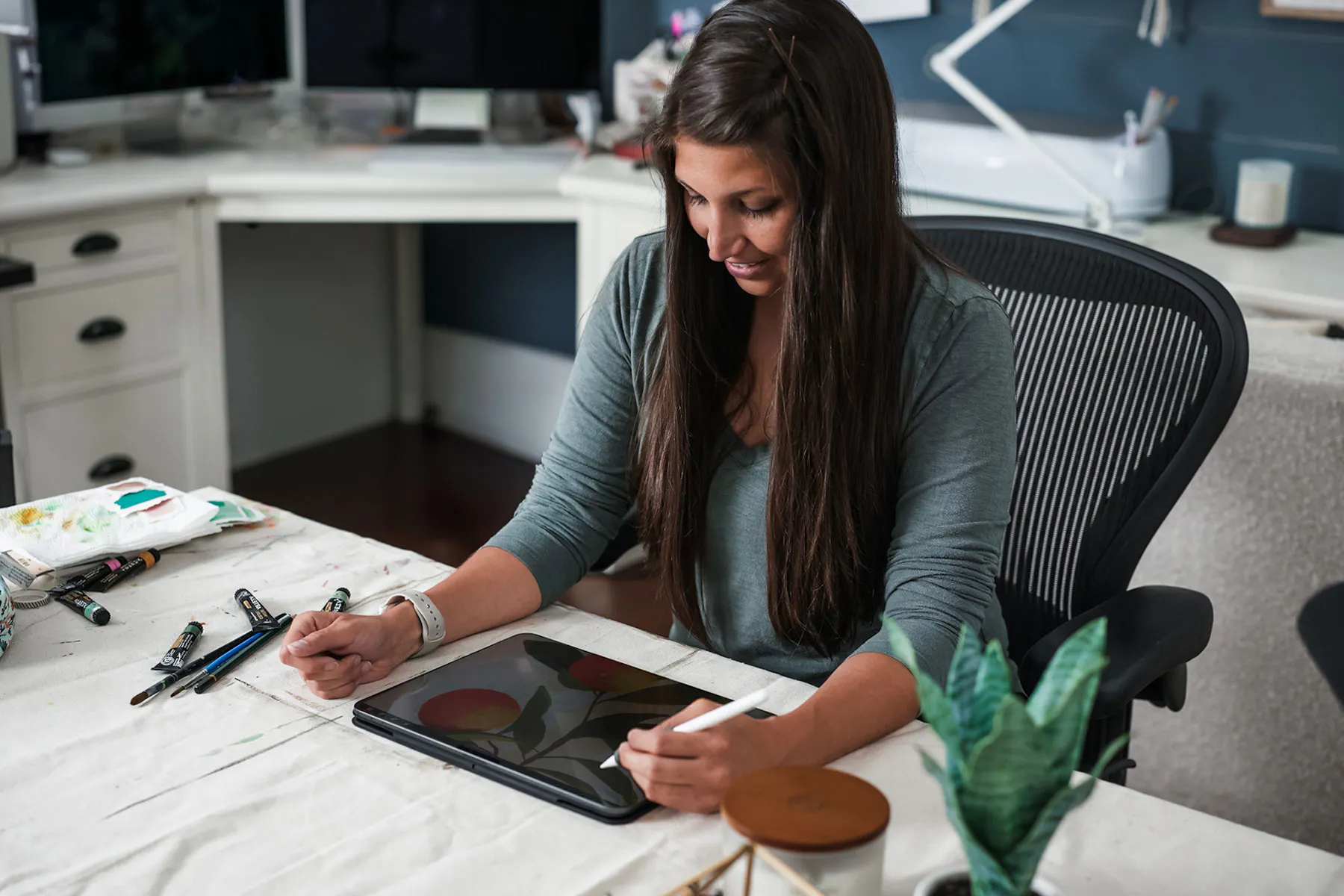
Create brushes you’ll use again and again
Stamp Magic isn’t just about the brushes you create here.
It’s about building your own library of reliable, reusable tools, so every time you open Procreate, you’re not creating everything from scratch. ✨

Class projects
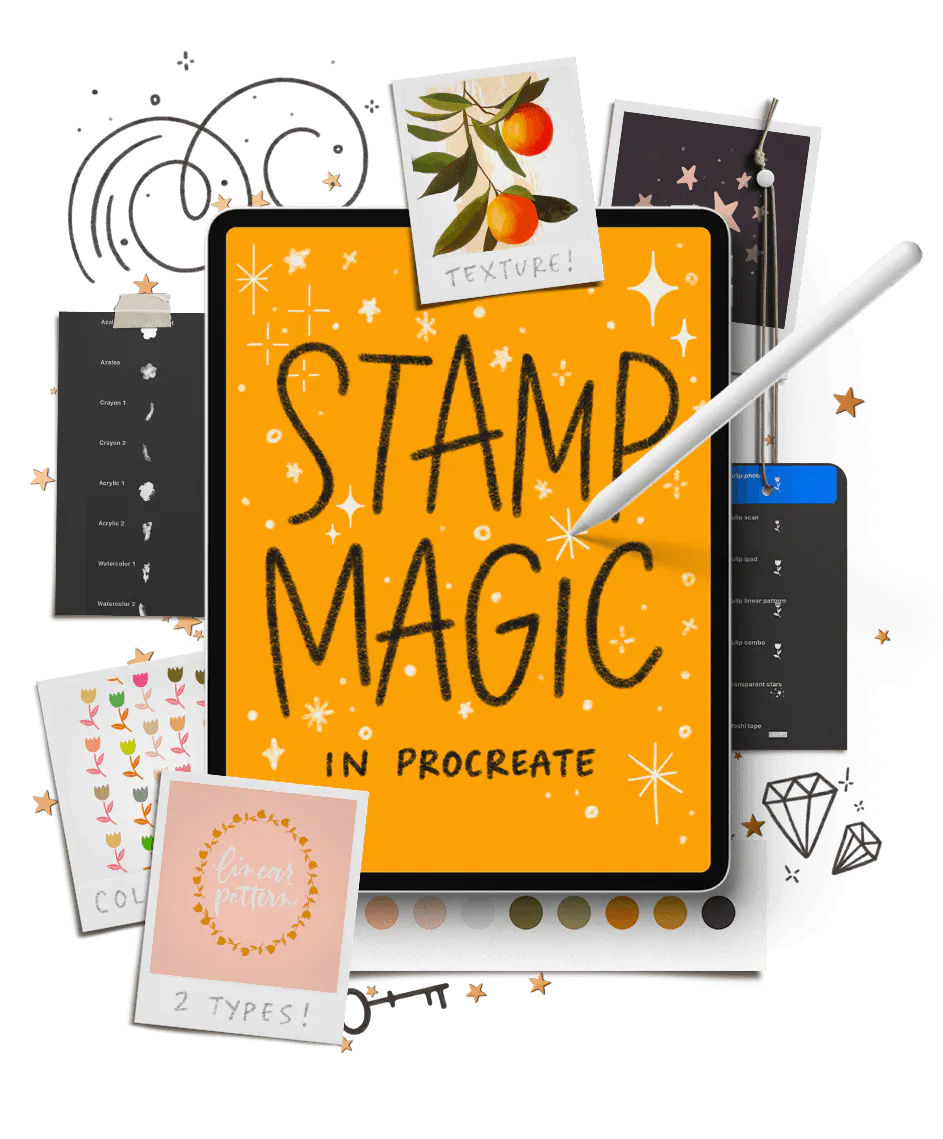
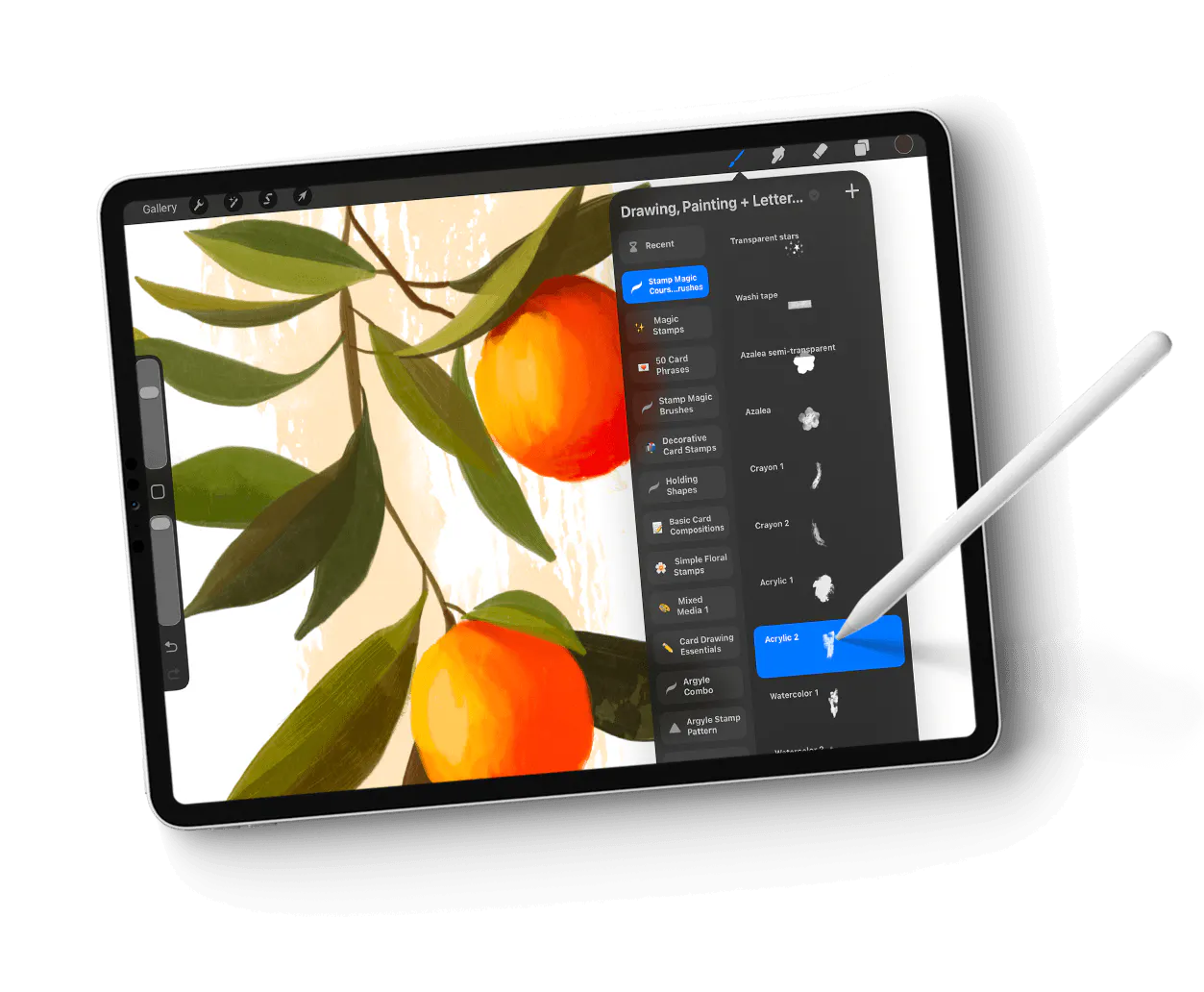
Inside Stamp Magic, you’ll create 7 different types of custom stamp brushes you can reuse again and again with no advanced skills required.
Everything you need is included, along with step-by-step instructions so you can follow along at your own pace.

Watermark Stamp
Project 1
We kick off with our simplest stamp brush type: watermarks! In this project, we’ll draw a mark from scratch in Procreate (perfect for signature watermarks!), convert an existing black and white logo *and* convert an existing color logo into a stamp brush, ready to go with unlimited use, to be stamped in using any color, size or opacity.

Graphic Stamp
Project 2
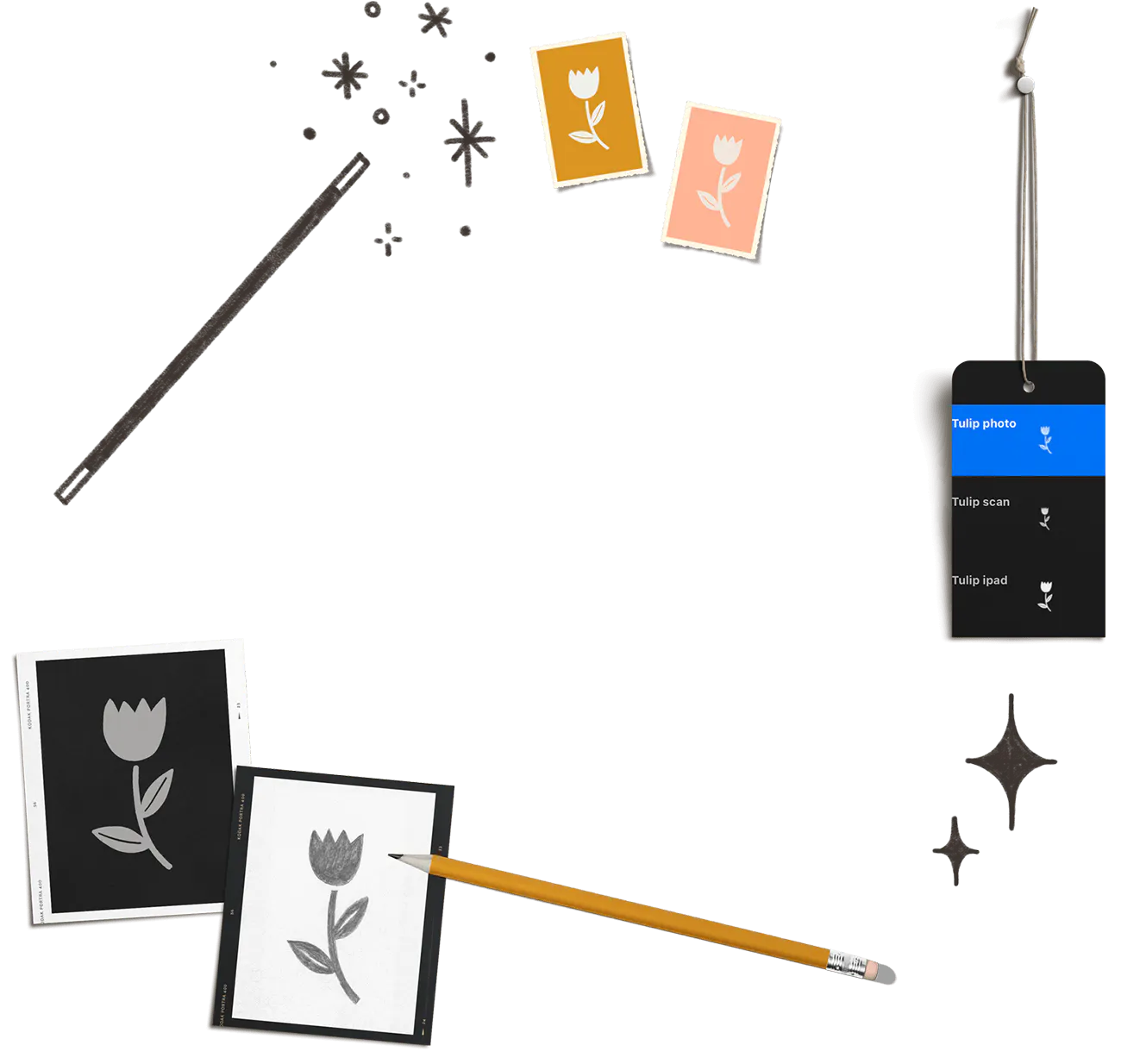
We’ll dive into the most common stamp brush type in Project 2: the graphic stamp! These can be illustrations, templates, lettering or guides. Together, we’ll draw a simple flower graphic in Procreate, then we’ll draw the same flower using a pencil and paper. You’ll learn how to convert all versions into stamp brushes, using both a scanner and the iPad’s camera to digitize and convert traditional art. All of my scan settings are included in a bonus quick guide, too!

Multi-Transparency Stamp
Project 3
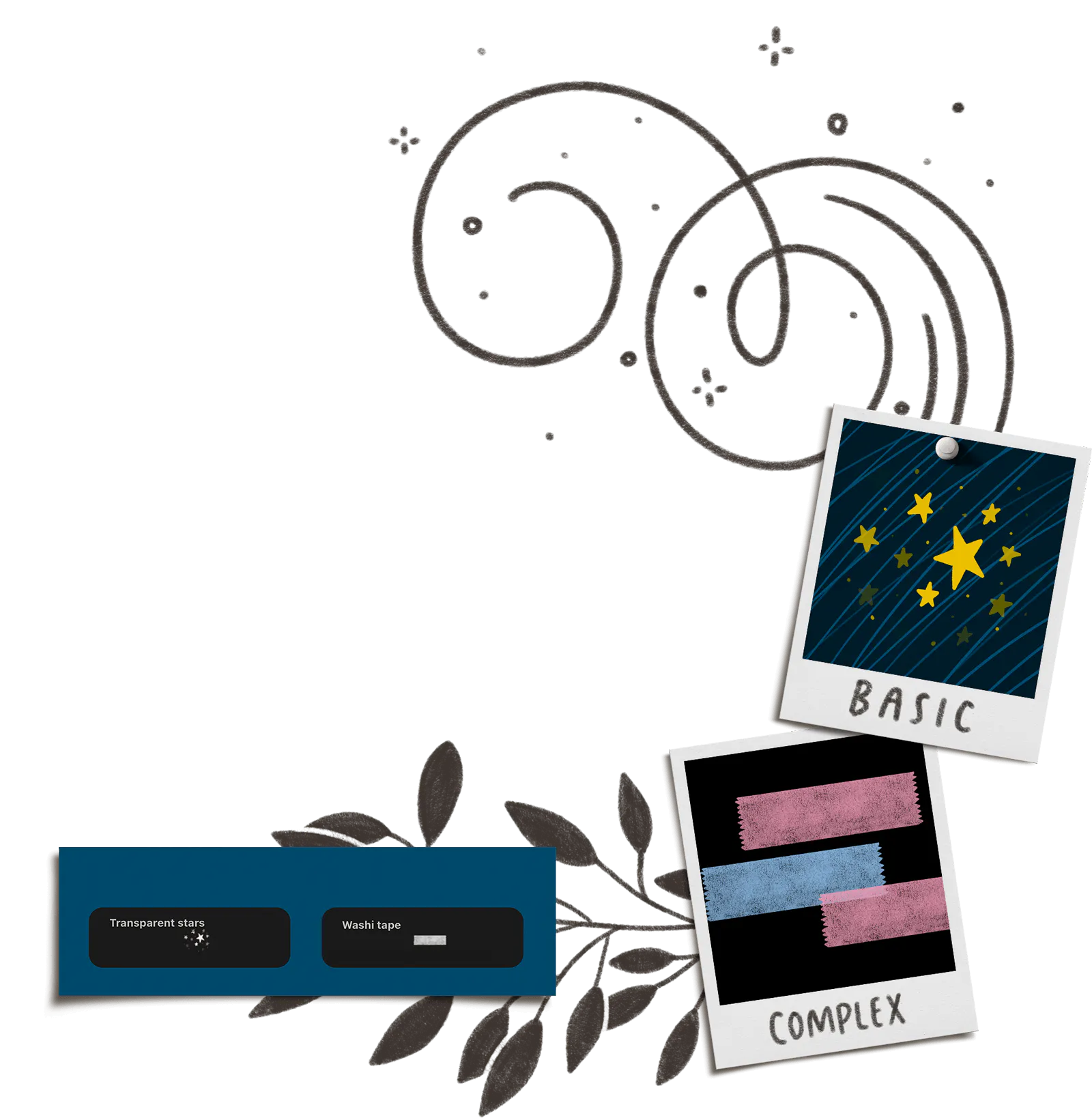
In Project 3, we explore multi-transparency brushes by creating 2 different types: a basic graphic brush and a washi tape stamp with texture. You’ll learn how to control the amount of transparency within your brushes and integrate texture using Procreate’s default brush library to enhance your brushes’ usage and realism.

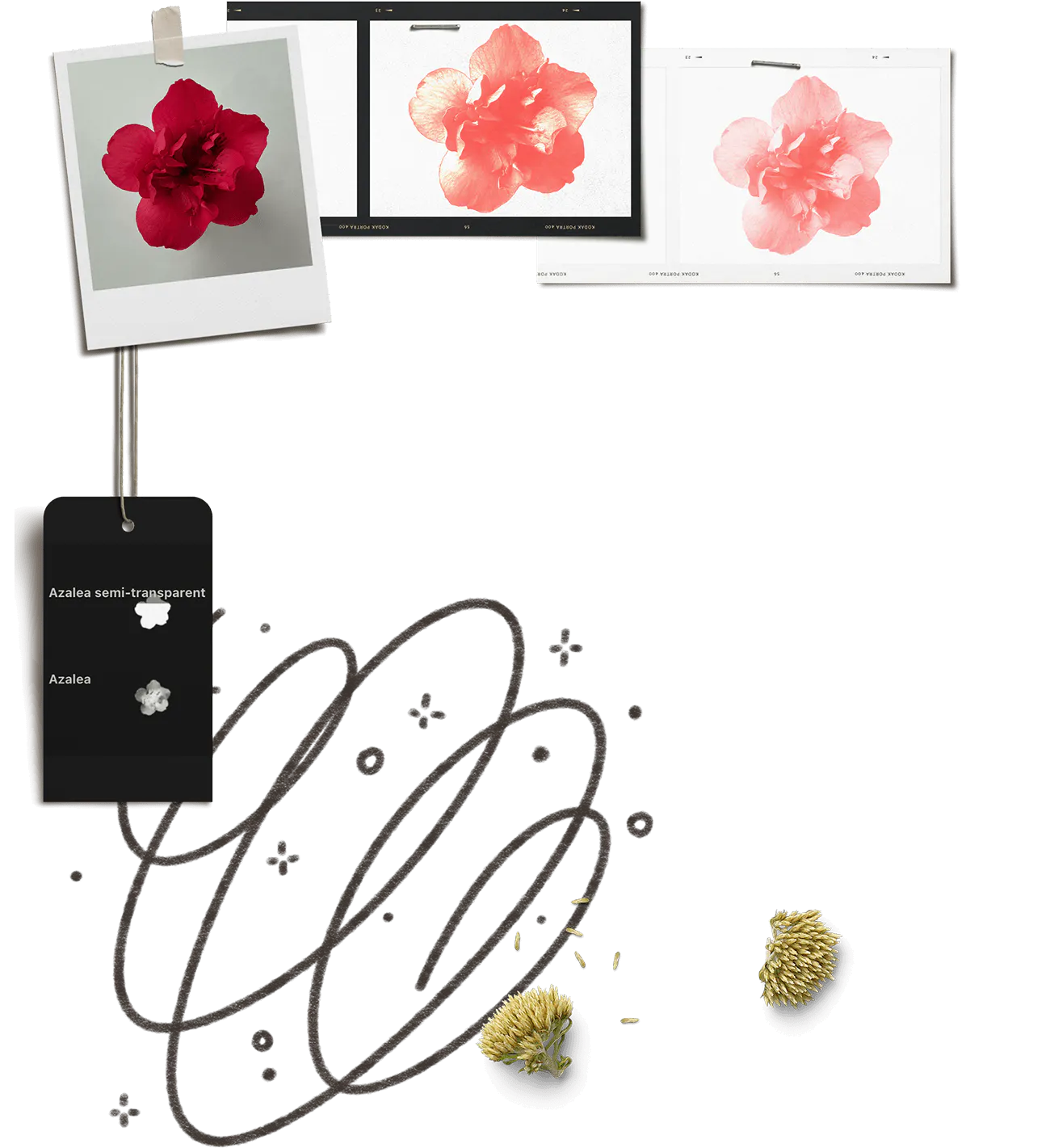
Photo-Based Stamp
Project 4
We’re taking photos in Project 4! Grab your smartphone or use your iPad’s built in camera to capture a subject and turn it into a stamp brush! You’ll learn how to choose and photograph your item, a quick trick for removing the background, a tutorial on layer masking and how to enhance the contrast of your subject. You’ll also learn how to create a combination photo brush to reduce transparency and add luminance effects for truly original stamps!

Texture Stamps
Project 5
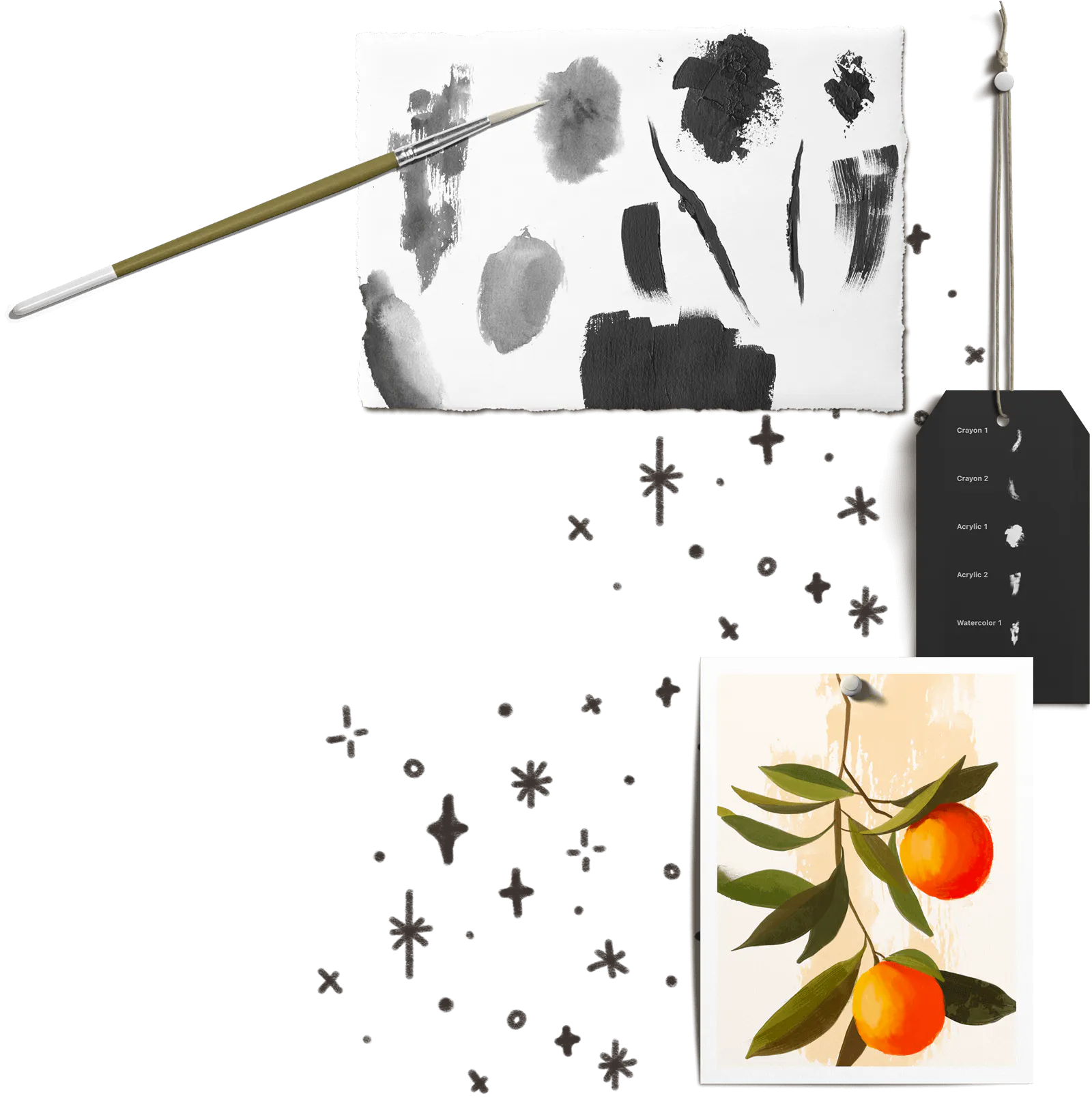
Traditional art becomes possible in Procreate with our texture stamps in Project 5! I share my full process of creating traditional textures with watercolor, acrylic and watersoluble crayon, then scan, resize, digitize, enhance and convert them into stamp brushes. Together, we create 6 texture stamp brushes and in the last lesson, I share how to use them within your Procreate artwork to add a mixed media aesthetic.


INCLUDED BONUS PROJECT: Linear Pattern Brushes
In this first bonus project, we convert the graphic stamp we made in Project 2 into a linear pattern brush that follows our stroke, making it perfect for borders and outlines!


INCLUDED BONUS PROJECT: Color Combination Brushes
In our second bonus project, we break up our Project 2 stamp brush into two separate brushes, combine them together and add color dynamics! This allows the stamp to be used in two color with predictable outcomes for the user – a powerful added skill for any stamp brush maker!
I sell more stamp brushes than any other type
Last year, I sold over 50k worth of Procreate brushes and the majority of them were stamp brushes, just like the ones you’ll create in this class.


But even if you never plan to sell anything…
These types of brushes are popular for a reason:
✅ They’re incredibly versatile (7 types!)
✅ They save time and energy
✅ They solve a real problem for artists
So whether you keep them for yourself or decide to share them with others, you’re creating something that already has real-world value. ✨
100% Self Paced
Enrollment includes pre-recorded videos with lifetime access to all of them
Take the course at your own pace whenever it works with your schedule. There’s no pressure to hit a deadline or to fit everything in within a set amount of time.
And with lifetime access, you can refer back to it and watch it as many times as you’d like, too.

Class Curriculum
Welcome + Bonus Info
- Course Overview/What You'll Learn7:16
- Class Bonuses + Install Instructions9:53
- My iPad Specs + Favorite Accessories3:43
Stamp Basics
- How Stamps Work3:31
- Different Types of Stamp Brushes14:11
Project 1: Watermark Stamps
- Creating Your Mark in Procreate5:18
- Importing an Existing Image (Color *and* Black & White)5:49
- Create the Base Stamp Brush File6:21
- Create the Stamps + Test!6:24
Project 2: Graphic Stamps
- Designing Your Graphic Stamp Digitally2:45
- Designing Your Graphic Stamp Traditionally3:04
- Enhancing Scanned + Photographed Artwork for Brush Making9:13
- Make + Test Your Brushes!9:53
BONUS: Linear Pattern Brushes
- Brush Settings: Top + Bottom Linear Pattern3:46
- Brush Settings: Follow Stroke Linear Pattern5:46
BONUS: Color Combination Brushes
- Define Both Brushes2:46
- Create the Brushes2:46
- Apply Color Dynamics + Test!9:24
Project 3: Multi Transparency Brushes
- How Transparencies Work In Brushes2:28
- Create a Simple Graphic Stamp With Transparency5:38
- Create a Semi-Transparent Washi Tape Stamp Brush7:01
Project 4: Photo Based Stamps
- Choose Your Subject + Set Up Your Photo2:35
- Remove the Background3:12
- Adjustments + Convert to a Brush!5:46
- BONUS: Combination Photo Stamp Brushes with Luminance4:14
Project 5: Texture Stamps
- Paint the Texture Traditionally9:01
- Adjustments + Brush Making!13:03
- BONUS: How to Use Texture Stamps in Your Artwork6:56
Thank You + Next Steps
- Ideas for the Future (IMPORTANT) + Thank You!11:52
Take a peek inside!
This is a video straight from the course!
Expect the same quality and presentation style for every video.
Class Bonuses

Scan Settings Quick Guide
Helpful cheat sheets with screenshots showing my exact scan settings, plus bonus tips for scanning at higher resolutions so you can use your artwork at larger sizes without losing quality!

Inkling Brush
This is the drawing brush we'll use to create all of our stamps throughout the class – a versatile brush for illustrations and lettering with an inky edge feel.

Base Stamp Brush File
All of the settings for sellable stamp brushes in one reusable file! Simply drop your shape in, add yourself as the creator and it's ready to go!

All Project Brush Files
Every file we create together in the course (with the exception of watermarks, since you'll use your logo for that) are included with enrollment, so you can reuse them for future projects or dissect their settings. A brushset containing 15 total brushes!

Traditional Materials List
In Project 5, we create texture brushes using traditional materials. I've included a handy list of links with all of my favorites shown within the video so you can use the same supplies if you wish!

Private Procreate Community
Membership to our private Procreate community (right inside Teachable!) is included with your enrollment. Find answers to questions and receive feedback + support from other students (I'm in there, too!).
Stamp Magic in Procreate
Create beginner-friendly stamp brushes you make once, then use forever
Enrollment includes:
Core Curriculum: $147 value
Course Bonuses:
$313
TOTAL VALUE

Let’s Make Some Stamp Magic


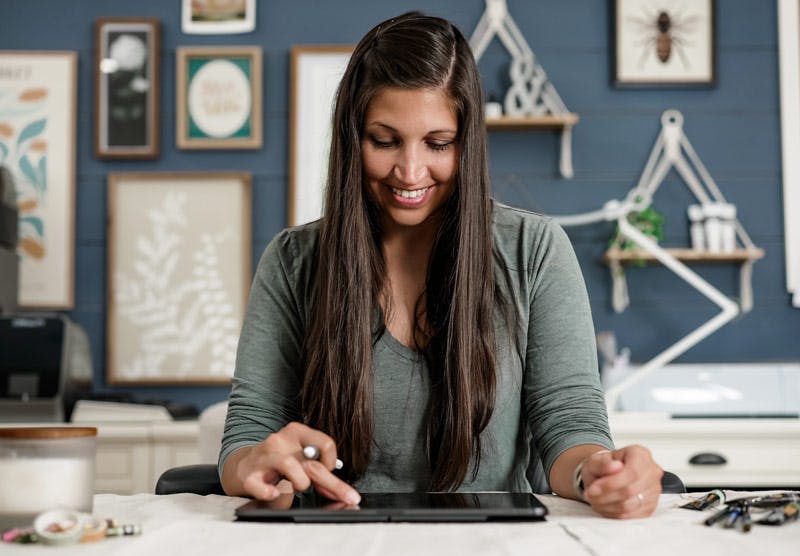
If we haven’t met before, my name is Teela and I’ve been creating and selling stamp brushes for nearly 10 years.
They now make up the majority of my Procreate brushset sales, but more than that, they’re a constant presence in almost everything I create, saving me time and simplifying my process.
Why draw something 20 times from scratch when you can make it once?!


I created Stamp Magic in Procreate because I truly believe this is one of the most underrated types of brushes available to Procreate artists. They’re a huge return on your time – make them once and truly reuse them forever!
My hope is that you walk away from this course feeling confident creating your own reusable stamp brushes – and, if you ever choose to share or sell them, knowing they’re polished and ready to go.
Requirements for this course
Procreate App (v.5.4 or newer)
This course was filmed using v.5.4 of the Procreate app, so you'll need to be on that version or newer to fully follow along.
Apple iPad
We utilize pressure variation within many of the designs, so you'll need to have an iPad that supports pressure sensitivity.
An iPad Stylus (pressure sensitive)
Since we're utilizing pressure sensitivity settings, you'll need a stylus that is compatible with your iPad. An Apple Pencil is recommended (not the USB-C one). A compatibility list of Apple Pencils is available here.
Familiarity with the Procreate interface
This course is beginner friendly! A basic familiarity with Procreate will help, but is not required to follow along.
You may be wondering...
What do I need to take this course?
You'll need an iPad that supports pressure sensitivity along with a compatible stylus (check out this list; do not get the USB-C one) and the Procreate app (v.5.4 or newer) installed. That's it!
I don't think I have time for this?
All Every Tuesday courses come with lifetime access, so you can take it at the time and pace that works best for you. It's yours for the long haul!
How long do I get access?
All Every Tuesday courses come with lifetime access, so once you enroll, it's yours for good.
I'm brand new to Procreate, will I be able to follow along?
This course was created with beginners in mind. If this is one of your first times opening Procreate, my free Procreate for Beginners course is a great starting point, but not required to follow along and complete all projects.
Can I download the course videos?
Course videos are not downloadable at this time, but with an internet connection, you can watch the course anywhere, as many times as you'd like.
Do you offer any refunds?
Because this course gives instant access to all content, I'm unable to offer refunds. If something unexpected comes up or the course isn't what you hoped for, please reach out. I'm always happy to consider individual circumstances with care.
I have more questions. How can I get in touch?
Head to my contact page or reply to any past email you've received from me. I'm just an email away!
Stamp Magic in Procreate
Create beginner-friendly stamp brushes you make once, then use forever
Enrollment includes:
Core Curriculum: $147 value
Course Bonuses:
$313
TOTAL VALUE