



Create professionally designed greeting cards – even if you’re a total beginner


You love creating artwork…
but when it comes to designing greeting cards, something always feels…off.
🥴The spacing feels weird
🎨 The colors don’t quite work together
😒 The type looks ‘meh’
And you’re left wondering why your card doesn’t look like the ones you see in shops.
The good news?
Hierarchy and composition matter far more than illustration skill.
Which means even beginners can create stunning giftable (and sellable!) cards.


Design cards with confidence by mastering:
✅ Composition
✅ Visual hierarchy
✅ Balanced color palettes
✅ Beginner-friendly lettering & type styles
So your cards come together intentionally (not accidentally 🙃).


Avoid the unnecessary struggle
Without utilizing design foundations within your greeting cards, you risk
😩 Reworking the same card over and over
🤨 Guessing the right layout vs. using visual flow strategies
🫣 Avoiding typography because it feels intimidating
🤔 Feeling unsure if your designs are ‘good enough’ to share or sell
😕 Losing confidence in work you actually enjoy making


Build lifetime design skills
Greeting Card Magic gives you a repeatable design framework you can use for any card, not just the projects in this class.


Class projects
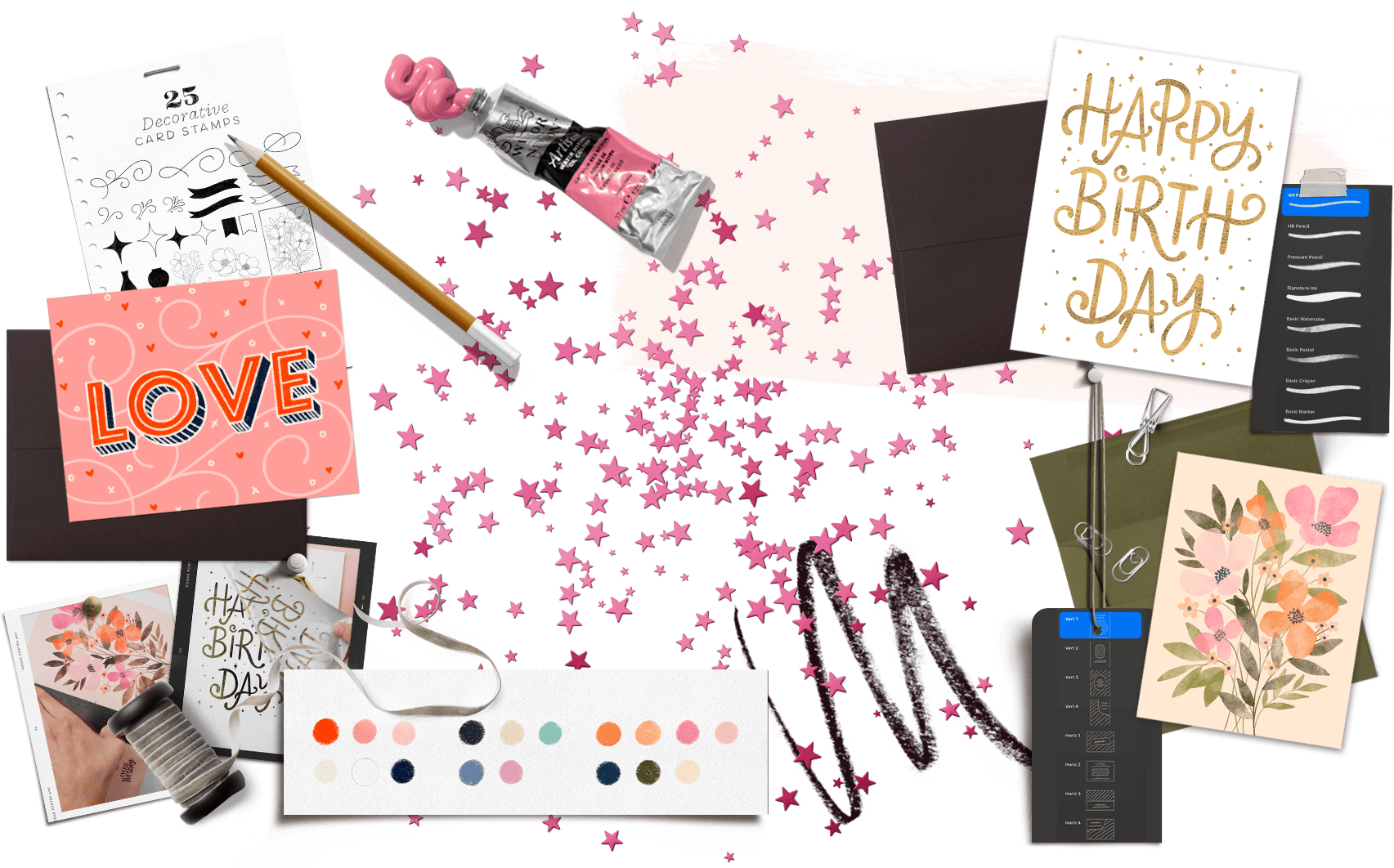
Learn the design magic behind cards that actually feel balanced, intentional and gift-worthy by using Procreate and beginner-friendly techniques.
Everything you need to create each project is included, along with full beginner friendly step-by-step video instruction.


Love Card
Project 1
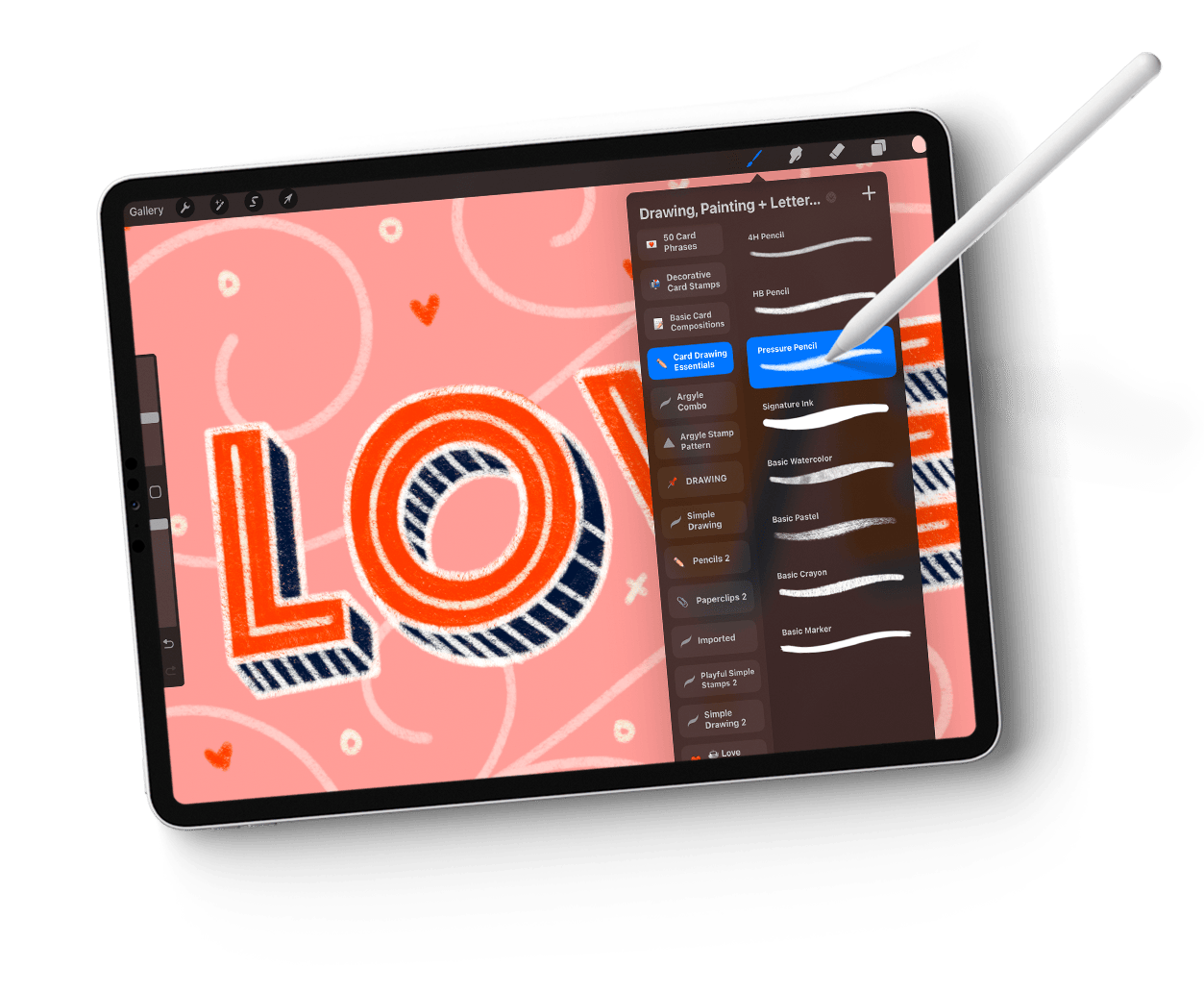
We kick off with a graphic + text combo card, using a font as a base for our 3D hand lettering style and combine it with energetic flourishes for added dynamics. A bonus tutorial is included, where you’ll see how easy it is to recolor your final work to offer potential buyers multiple colorways of your design.

Any Occasion Card
Project 2
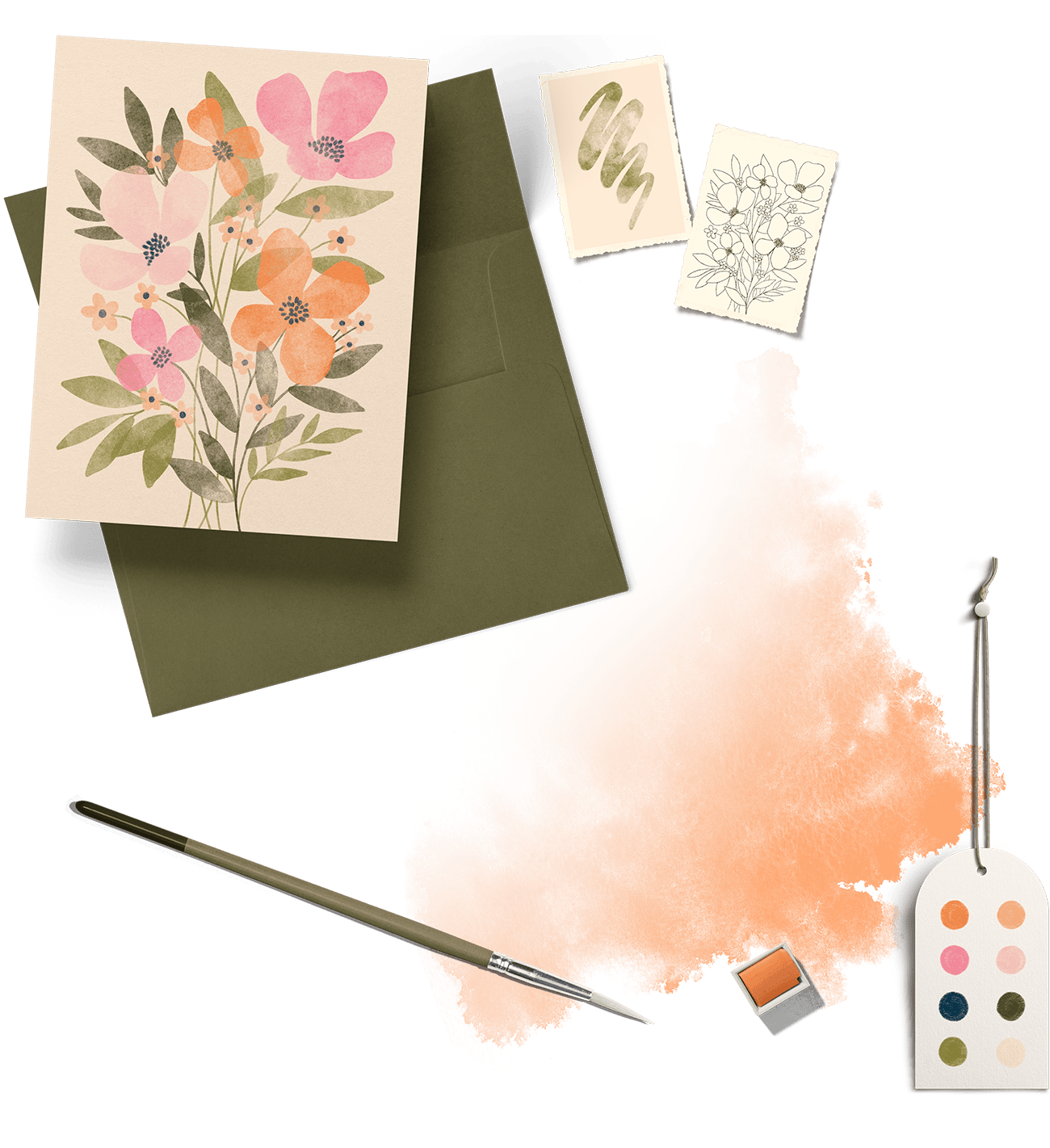
Building onto what we’ve learned so far, we’ll create a graphic-only balanced portrait composition with watercolor florals and foliage. We’ll saturate the background with color, extending elements and color fully into our bleed area while discussing the importance of full bleed.

Birthday Card
Project 3
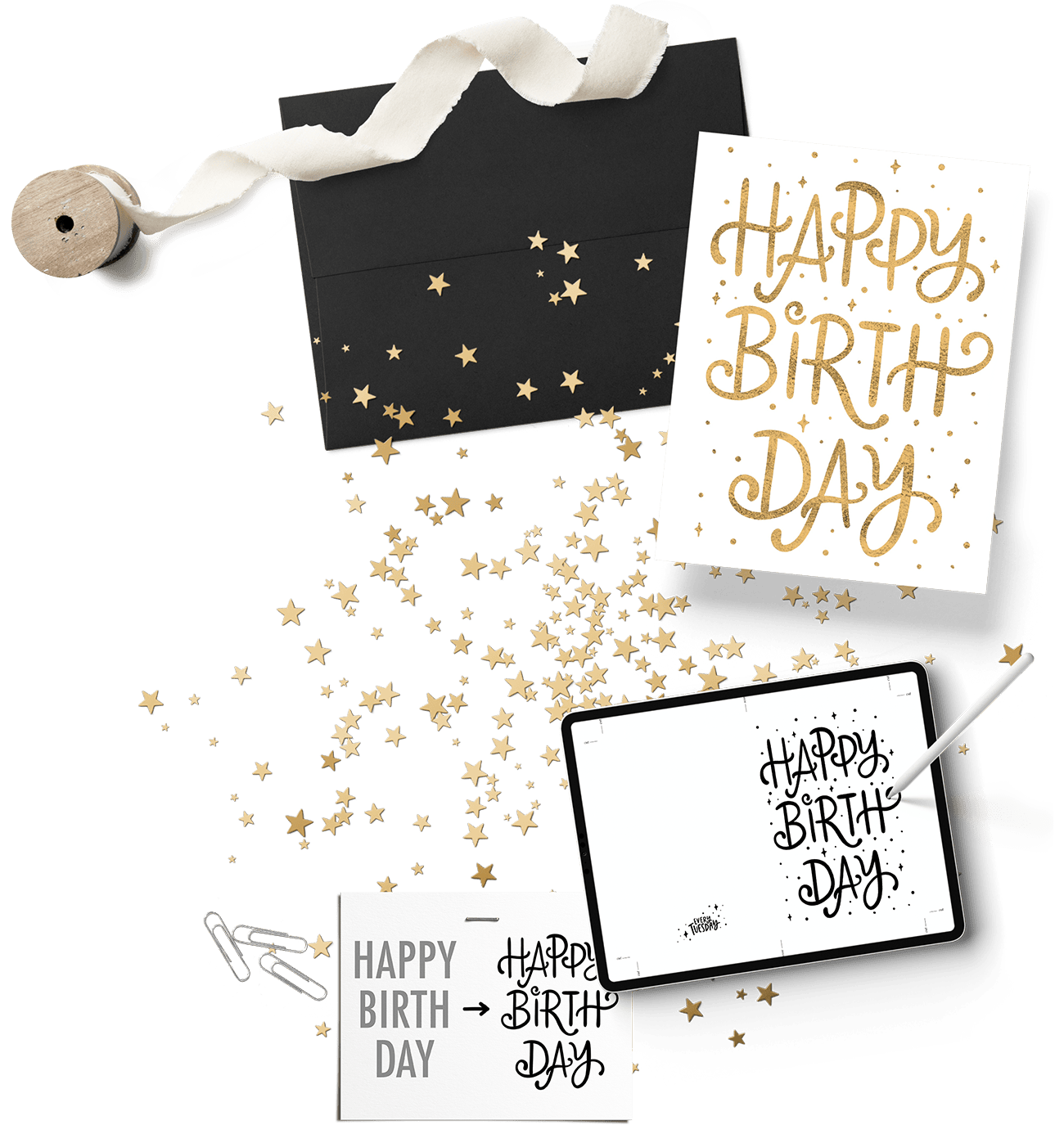
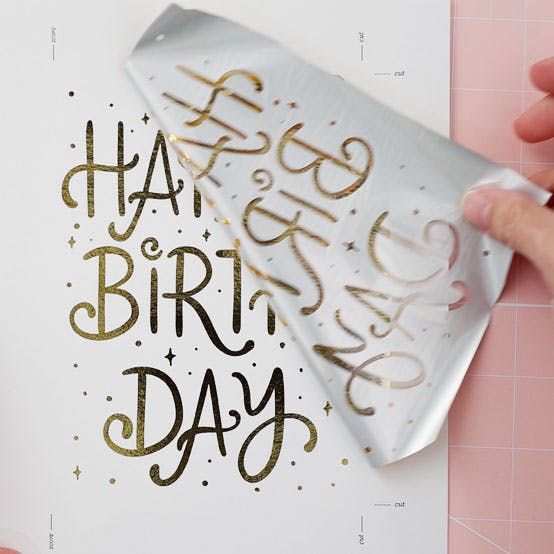
We finish up our projects with a hand lettered card! Using what we learned about type tricks earlier in the course, we stylize the structure of an existing font, customizing it to fit the personality of our birthday card, then use an at home foil printing process to bring it to life!


INCLUDED BONUS MODULE: Printing from Home
If you choose to print your cards at home, you’ll have everything you need to begin! I share my favorite paper for at home cards (the prints are SO beautiful on it!), as well as my home printer/scanner combo and process for cutting/finalizing cards and adding embellishments.


INCLUDED BONUS MODULE: Foil Printing at Home
Creating foil prints at home is easier (and more affordable!) than you think! With a few supplies, I walk you through the complete process of using toner adhering foil to create stunning, professional looking prints in minutes!
Thousands of artists have learned Procreate design fundamentals through my courses
and finally stopped guessing their way through layouts, colors and type.
Teela is an excellent teacher. Every step is explained methodically and clearly.
CSCaran S.
I'm so impressed with how much I learned and what I was able to create with Teela's instructions!
COCharmaine O.
I've taken literally hundreds of classes and Teela is one of the best teachers I have ever taken a class from.
TNTanya N.
Teela goes above and beyond for her students. She's a great instructor and it shows that she loves teaching.
CPClaudia P.
Teela is a fabulous teacher. Her instructions and explanations are very clear and easy to follow. She is very generous with sharing her knowledge of Procreate, as well.
HGHelene G.
Very clear verbal and visual explanations! A natural teacher! Thanks so much for sharing your expertise.
CRChristine R.
Teela is a great teacher and she can teach you in a way so that you can go off and do it by yourself.
KKKeiko K.
Teela is just amazing . Love how she doesn't assume anything in terms of what you know, which is really helpful if you're new to Procreate! She has great assets for downloading, too – stuff that will be helpful for a long time.
HTHeather T.
I actually feel like I have a useable skill now that I just need to keep practicing and it will only get better and better. Thank you!!
RRRhonda R.
I love how Teela organizes her courses. I'm a novice Procreate user and appreciate how well Teela breaks down information so you understand the thought process and intentions of every step. I have a few other courses from her lined up and I'm really looking forward to them.
AHAutumn H.
100% Self Paced
Enrollment includes pre-recorded videos with lifetime access to all of them
Take the course at your own pace whenever it works with your schedule. There’s no pressure to hit a deadline or to fit everything in within a set amount of time.
And with lifetime access, you can refer back to it and watch it as many times as you’d like, too.

Class Curriculum
Welcome + Bonuses
- What You'll Learn/Class Overview7:27
- Class Bonuses + Install Instructions11:31
- My Favorite Procreate Gestures6:02
- My iPad specs + favorite accessories3:44
Design Basics
- Composition vs. Hierarchy11:40
- Color Palette Hacks: Customizing Existing Palettes8:21
- Color Palette Hacks: Custom Palettes that ALWAYS Work13:41
- Beginner Friendly Type Tricks in Procreate10:41
- The 3 Card Types: Inspiration8:55
Project 1: Love Card
- Getting Started4:17
- A Quick Tip About Color Profiles3:20
- 3D Lettering: Part 14:41
- 3D Lettering: Part 24:57
- 3D Lettering: Part 32:17
- Final Details5:18
- BONUS: Recoloring Your Artwork3:49
Project 2: Any Occasion Card
- Getting Started2:04
- Painting Watercolor Foliage7:16
- Painting Watercolor Florals + Finalizing Card7:30
Project 3: Birthday Card
- Getting Started4:26
- Create Your Type!7:35
Bonus: Printing from Home
- The Best Paper for at Home Printing + My Home Printer2:59
- Final Print + Trim: Card 14:53
- Final Print + Trim: Card 23:25
Bonus: Foil Printing at Home
- Supplies for DIY Foiling3:24
- Full DIY Foiling Process5:38
Next Steps
- Ideas for the Future (IMPORTANT!) + Thank You9:07
Class Bonuses
Helpful Links
A clickable list of additional videos, resources and supplies I personally use and love to create any type of greeting card at home.
Card Drawing Essentials Brush Set
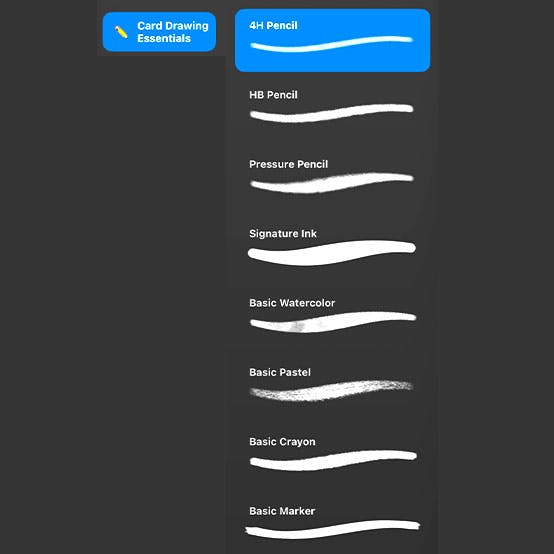
A set of 8 mixed media drawing and lettering brushes, so you'll have the flexibility to execute any card idea you have.
Decorative Card Stamps
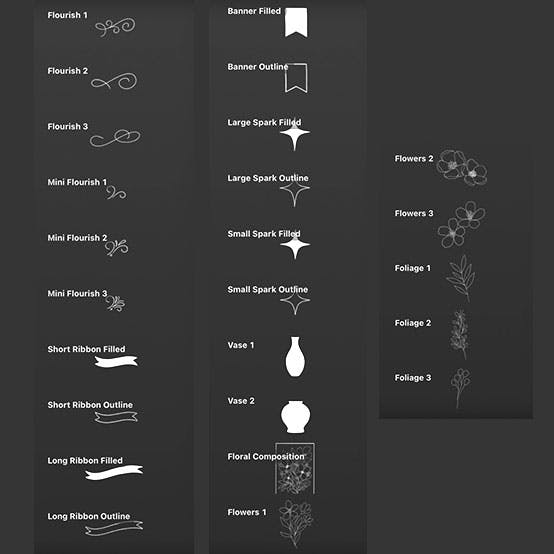
A set of 25 stamp brushes with lots of variety to fit your needs. From flourishes, to ribbons, sparkles, vases, flowers and foliage, to even a floral composition stamp to make cards easier and more fun to create.
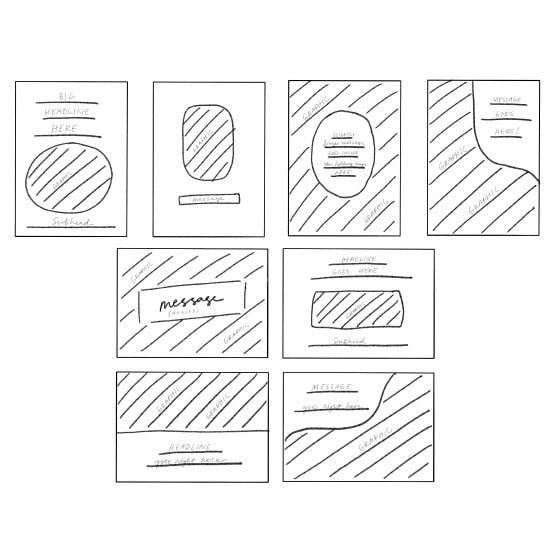
Basic Card Compositions
A set of 4 vertical and 4 horizontal card compositions to keep your card making momentum going. Create beautifully balanced greeting cards using proven layouts in no time!
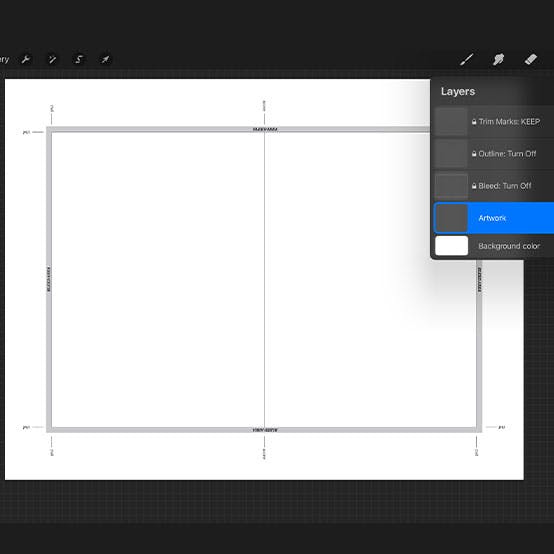
Card Canvas Template
A Procreate file with all of the sizing and guidelines present for an A6 greeting card. Use the template to sell print ready cards – or print at home, following the included cut, score, bleed and outline layers.
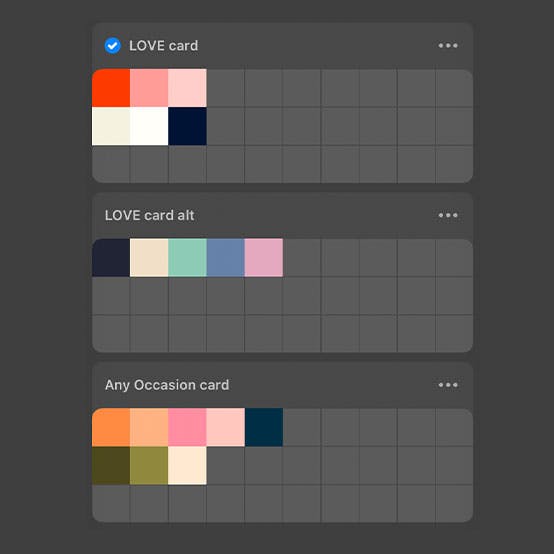
Project Swatch Files
All project swatch files are included, so you can follow along with each project exactly if you'd like!
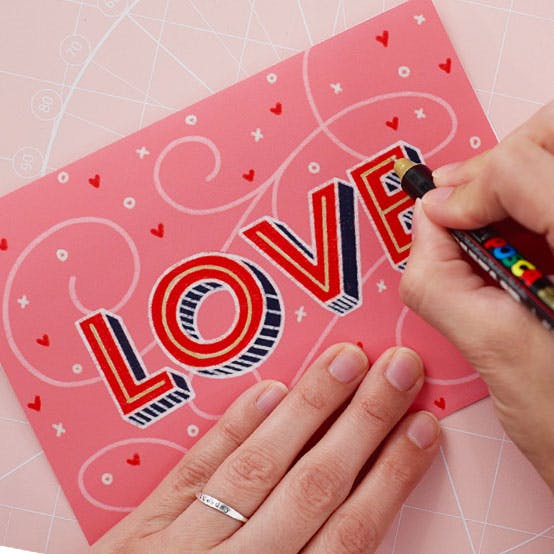
Printing at Home Module
Full process videos and supplies are shared for printing your colorful greeting cards at home, trimming them to size and adding final embellishments.
Foil Printing at Home Module
My full process, plus a video dedicated to supplies, so you'll know everything you need along with step-by-step instructions for creating your own foil cards at home (easier than you think!).

Private Procreate Community
Membership to our private Procreate community (right inside Teachable!) is included with your enrollment. Find answers to questions and receive feedback + support from other students (I'm in there, too!).
Greeting Card Magic in Procreate
Create beautiful, professionally designed greeting cards – even as a total beginner!
Enrollment includes:
Core Curriculum: $97 value
Course Bonuses:
$232
TOTAL VALUE

Let's Make Something Beautiful Together


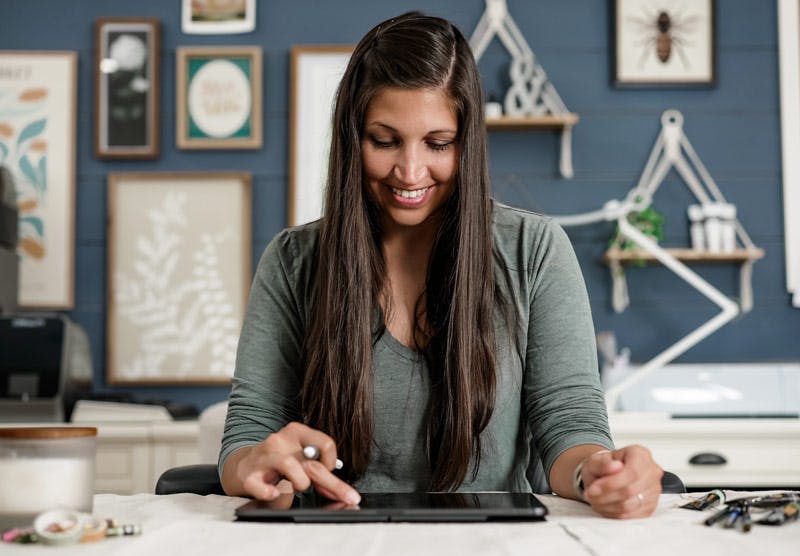
If we haven’t met before, my name is Teela, and my stationery journey goes all the way back to 2009 – when I nervously posted my first customizable stationery template for sale online.
After a few early sales, I kept creating…and creating…and creating. That consistent practice eventually led to bestsellers, wedding stationery collections, postcards, invitations and clip art sets – all inspired by my love for how flexible and expressive the stationery world can be.
Out of everything I’ve designed over the years, greeting cards are what I keep coming back to.


Their smaller format makes them approachable and easy to experiment with. They’re affordable to produce at home. And the ability to add embellishments makes them endlessly fun. But what I love most is the moment when digital art becomes something tangible..something you can hold, gift and share in a meaningful way.
That’s exactly what Greeting Card Magic in Procreate is designed to help you experience.
My hope is that you walk away from this course feeling confident in your design decisions, excited to keep creating and equipped with foundational skills you’ll use again and again – long after this course ends.
Requirements for this course
Procreate App (v.5.4 or newer)
This course was filmed using v.5.4 of the Procreate app, so you'll need to be on that version or newer to fully follow along.
Apple iPad
We utilize pressure variation within many of the designs, so you'll need to have an iPad that supports pressure sensitivity.
An iPad Stylus (pressure sensitive)
Since we're utilizing pressure sensitivity settings, you'll need a stylus that is compatible with your iPad. An Apple Pencil is recommended (not the USB-C one). A compatibility list of Apple Pencils is available here.
Familiarity with the Procreate interface
This course is beginner friendly! A basic familiarity with Procreate will help, but is not required to follow along.
You may be wondering...
What do I need to take this course?
You'll need an iPad that supports pressure sensitivity along with a compatible stylus (check out this list; do not get the USB-C one) and the Procreate app (v.5.4 or newer) installed. That's it!
I don't think I have time for this?
All Every Tuesday courses come with lifetime access, so you can take it at the time and pace that works best for you. It's yours for the long haul!
How long do I get access?
All Every Tuesday courses come with lifetime access, so once you enroll, it's yours for good.
How is this different from the Stationery Design course?
This course pairs wonderfully with it – Stationery Design focuses on full collections and style systems while Greeting Card Magic is a focused, practical deep dive into designing individual cards.
Can I sell the class projects I recreate on my own?
The projects in the class are my own original concepts and designs, so you can't recreate them and sell them (you can use them as much as you'd like for personal projects!). You *can* use all the methods, templates, processes, colors and brushes to create your own original work and sell that, though!
I'm brand new to Procreate, will I be able to follow along?
This course was created with beginners in mind. If this is one of your first times opening Procreate, my free Procreate for Beginners course is a great starting point, but not required to follow along and complete all projects.
Can I download the course videos?
Course videos are not downloadable at this time, but with an internet connection, you can watch the course anywhere, as many times as you'd like.
Do you offer any refunds?
Because this course gives instant access to all content, I'm unable to offer refunds. If something unexpected comes up or the course isn't what you hoped for, please reach out. I'm always happy to consider individual circumstances with care.
I have more questions. How can I get in touch?
Head to my contact page or reply to any past email you've received from me. I'm just an email away!
Greeting Card Magic in Procreate
Create beautiful, professionally designed greeting cards – even as a total beginner!
Enrollment includes:
Core Curriculum: $97 value
Course Bonuses:
$232
TOTAL VALUE